
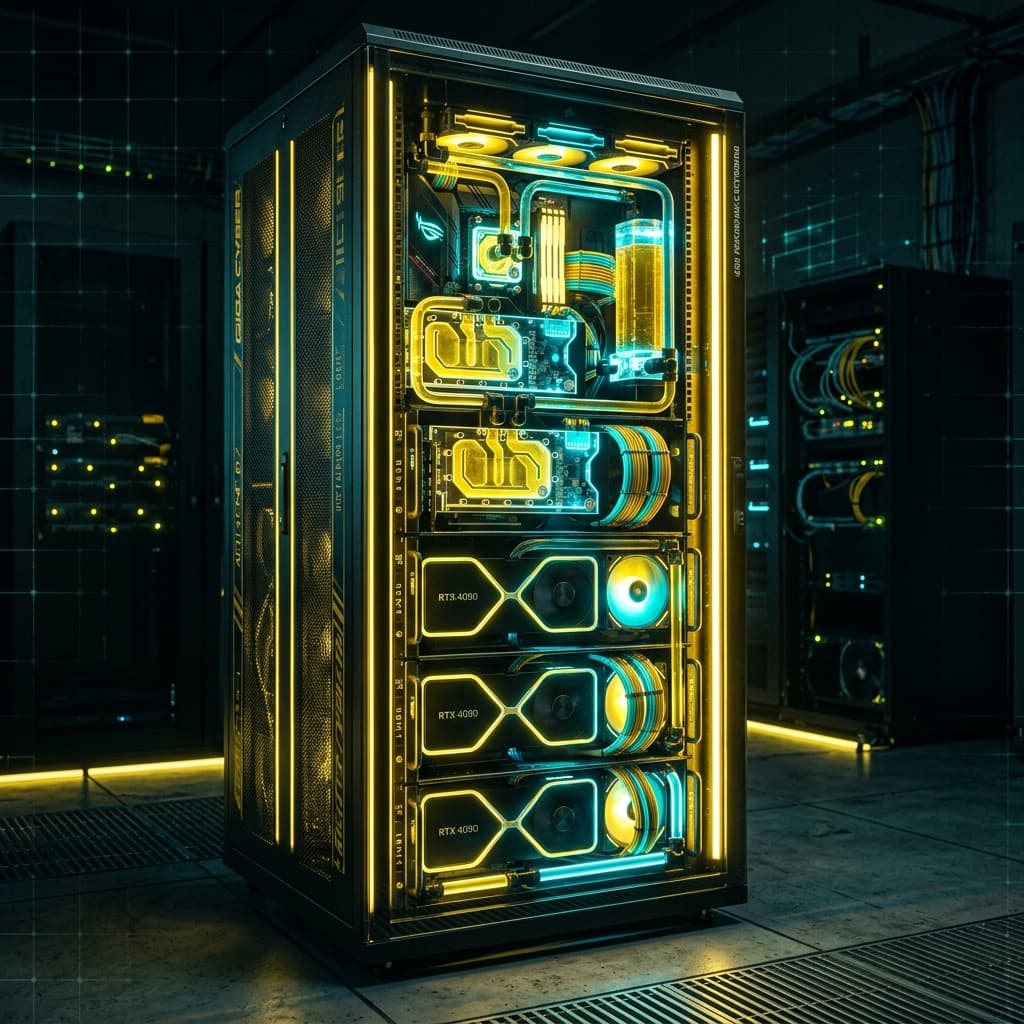
Architectural Guide: Deploying Liquid-Cooled Gaming & Compute Clusters for Esports Arenas
When deploying dozens of high-end gaming rigs or workstation nodes in close physical proximity—such as in esports arenas, VR simulation centers, or AI compute labs—traditional air cooling rapidly reaches its thermal and acoustic limitations.
High thermal output can result in CPU thermal throttling, excessive ambient room noise, and shortened component lifespan. In this architectural guide, NKA Global details best practices for deploying dual-loop custom liquid-cooled clusters.
1. Thermal Dissipation & Power Budgeting
A modern flagship workstation powered by an Intel Core i9-14900K or AMD Ryzen 9 7950X3D paired with an RTX 4090 can generate over 750W of thermal dissipation under full load.
Heat Load Calculation:
- Single Pod: ~750W - 900W heat output
- 10-Pod Cluster: ~8.5 kW total thermal output
- 30-Pod Esports Facility: ~25.5 kW total thermal output
+--------------------------+-----------------------+--------------------------+
| Component                | Peak Thermal Output   | Optimal Target Temp      |
+--------------------------+-----------------------+--------------------------+
| Flagship CPU (i9/7950X)  | 250W - 300W           | < 72°C under full load   |
| Flagship GPU (RTX 4090)  | 450W - 500W           | < 62°C GPU / < 75°C VRM  |
| DDR5 Memory (High Clock) | 15W - 25W             | < 50°C                   |
+--------------------------+-----------------------+--------------------------+
2. Open-Loop vs. Custom Industrial Rack Cooling
For enterprise deployments, standard consumer All-In-One (AIO) liquid coolers present single points of failure without telemetry feedback. Industrial custom loops offer significant reliability advantages:
Engineering Principle: Centralized high-flow pumps with quick-disconnect (QDC) fittings allow zero-downtime component hot-swapping during live events.
Recommended System Architecture:
- Copper/Brass Radiators: Avoid mixing aluminum components with copper waterblocks to prevent galvanic corrosion.
- Dual-Pump Redundancy: Run two D5 pumps in series so that if one pump fails, fluid flow continues uninterrupted.
- Dielectric Coolant Additives: Use non-conductive, anti-corrosive fluid formulations to protect electrical contacts in the event of accidental leaks.
3. Maintenance Protocols & Automated Telemetry
Maintaining a multi-node liquid cooling system requires automated diagnostic tracking:
- Flow Rate Sensors: Set hardware alarms if fluid flow drops below 1.5 Liters per Minute (LPM).
- Thermal Sensors: Monitor coolant inline temperatures; fluid temperatures should never exceed 45°C.
- Annual Fluid Flush: Schedule yearly coolant purges and pressure tests using pneumatic air pump verification.
Conclusion & Custom Engineering Support
Building high-performance liquid-cooled infrastructure requires precision components, validated fittings, and reliable hardware supply.
Explore NKA Global's Custom Rack Schematics and request wholesale pricing on liquid cooling hardware, custom blocks, and server chassis today.